Question bank
You never write the same exam from scratch every term again.
Save your questions with tags, search them by keyword and see how each one performed.


For teachers who give exams on paper
Write the exam in Marqua and each student gets their own version, with a different order and different data. You grade it with a scanner or phone photos, and you decide on the doubtful answers.
Marqua is in its testing phase. You can use the early-access version now or wait for the stable release. See everything it does →
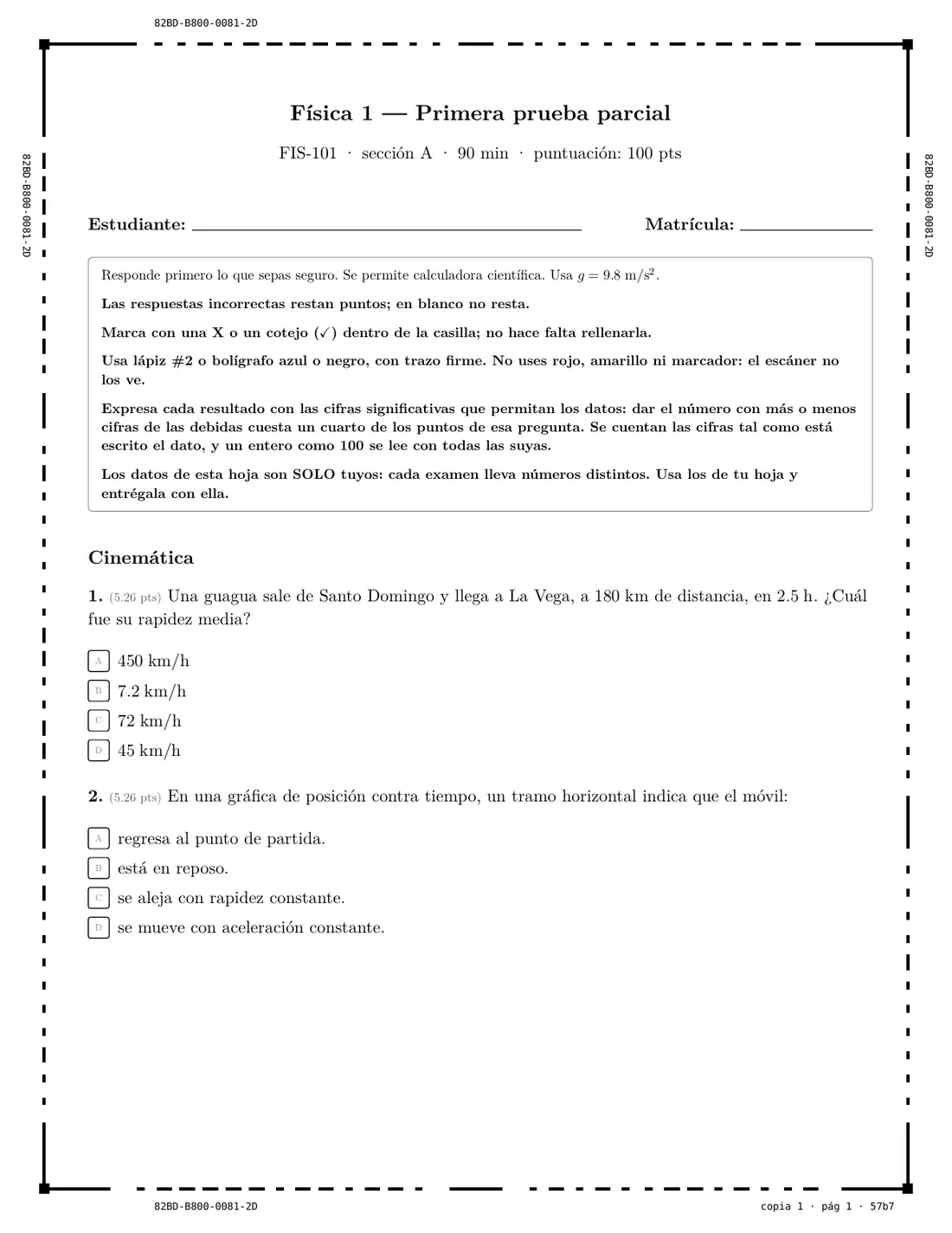
This is how the same question of the physics exam comes out in two copies. The wording is the same, but the data changes, and with it the answer. Marqua grades each copy with its own key, so a classmate's answer is no use on another copy.
5. An object travels 400 m at constant velocity and takes 15 s to do it. What is its average speed, in m/s?
5. An object travels 400 m at constant velocity and takes 25 s to do it. What is its average speed, in m/s?
Multiple-choice, numeric and open-ended questions, with formulas and figures. Save them in your bank to reuse them.
Marqua shuffles questions and options and changes the data on each copy. For another class section, duplicate the exam and it comes out in a different order.
With the office scanner or with phone photos. Marqua recognizes every page, even if it arrives crooked or upside down.
Grades are calculated automatically and anything doubtful goes to a queue for you to review. Each student gets their graded sheet and the reason behind every answer.
It is not just an answer sheet: Marqua takes care of the whole exam, from when you write it until the student understands their mistakes.
You never write the same exam from scratch every term again.
Save your questions with tags, search them by keyword and see how each one performed.
You grade written work faster, without losing control.
The AI reads the answers several times. If all readings of a number agree, it is graded automatically; open-ended work and anything doubtful wait for your confirmation.
You grade everyone with the same criteria and can justify every point.
Criteria and levels for every open question, adjustable even after the exam is printed.
If someone disputes a grade, the explanation is already on their sheet.
A PDF for each student with their graded sheet, the correct answer and the reason, so they see where they went wrong.
You catch the badly worded question before the next exam.
Difficulty, discrimination and distractors of each question, explained in plain words.
You start grading with Marqua without changing the way you work.
If your exam is already in Word, print only the answer sheet and photocopy it.
This is what Marqua's paper looks like in different subjects. These are the examples that come with the program to get started. Tap one to see it full size.
Choose whether you want to use the early-access version now or would rather wait for the stable release. We will only write to you about that.
Sheets are read in your browser or in the desktop app, not on a server, and your students' names and grades are stored on your computer. They only leave your computer if you choose so: when you use a cloud AI for handwritten answers (or one that runs on your own computer and sends nothing) or when you sync with your Google Drive from the web version. The web version also records which features you use, never your students' data, and you can turn it off in Settings.
In the browser, with nothing to install, and as an app for Windows, macOS and Linux. The paper prints the same on all of them. From your phone you can take attendance and photograph the sheets.
Made in the Dominican Republic.
It is the version of Marqua that some teachers already use before the stable release. It works from start to finish, but it may have bugs and it changes often. If you choose to try it, we will write to give you access, and your feedback helps decide what gets improved first.
Yes, if you give exams on paper. Marqua handles formulas, figures and numeric data for physics or math, and shared reading passages, essays with rubrics and multiple-choice questions for language arts or social studies. See the examples.
No. You write text normally; only formulas use that notation, and if your subject does not need them, you will never see it.
No. The exam comes out of an ordinary printer and is read with any scanner or with phone photos.
You can keep using it. Marqua prints a separate answer sheet that you photocopy, and grades those sheets with the answer key you give it.
Marqua does not decide for you: it sends it to a review queue where you see the crop of the sheet. You have the last word on every grade before you publish it.
On your computer. Sheets are read in your browser or in the desktop app, not on a server. Your students' data only leaves your computer if you choose so: when you use a cloud AI for handwritten answers or when you sync with your Google Drive from the web version.
Those apps read answer sheets with the camera. Marqua also grades with photos or a scanner, but it also helps you write the exam, prints a version for each student, grades handwritten answers under your supervision and gives every student back their sheet with explanations.
In the browser, including the phone's browser for taking attendance, and as an app for Windows, macOS and Linux.